
How to use a VPN with IPTV on Fire TV Stick
A VPN encrypts your connection: your internet provider cannot see what you stream, and on public or shared Wi-Fi your traffic stays private. DajeTV has WireGuard and OpenVPN built in, so you don't need a separate VPN app on your Fire TV.
What you need
A VPN service of your choice that offers WireGuard or OpenVPN configurations. Your provider gives you a file (.conf for WireGuard, .ovpn for OpenVPN) or the data to type in: server, keys or username and password.
DajeTV does not sell VPN services and is not affiliated with any VPN provider.
Add a VPN profile
- On the home screen open VPN and choose Add a VPN profile.
- In VPN type choose WireGuard or OpenVPN.
- In How do you want to add it choose how: paste the content of the file, Download from URL (if the file is online) or Enter manually.
- Give the profile a name, for example the server city, and choose Save and connect.
- The first time, Android asks for permission to create a VPN connection: choose OK. It is asked only once.
Tip: If you already have a Surfshark subscription, choose Surfshark in VPN type: type the service credentials of manual setup (not your email and password), pick a server and DajeTV creates the profile for you.
Options worth turning on
- Connect when the app starts: the VPN turns on by itself every time you open DajeTV.
- Connect before playing: before opening a channel or a movie the VPN is turned on, if it isn't already.
- Block everything without VPN: playlists, TV guide and video load only while the VPN is connected. If the VPN drops, the video stops instead of continuing outside the tunnel.
Check that it works
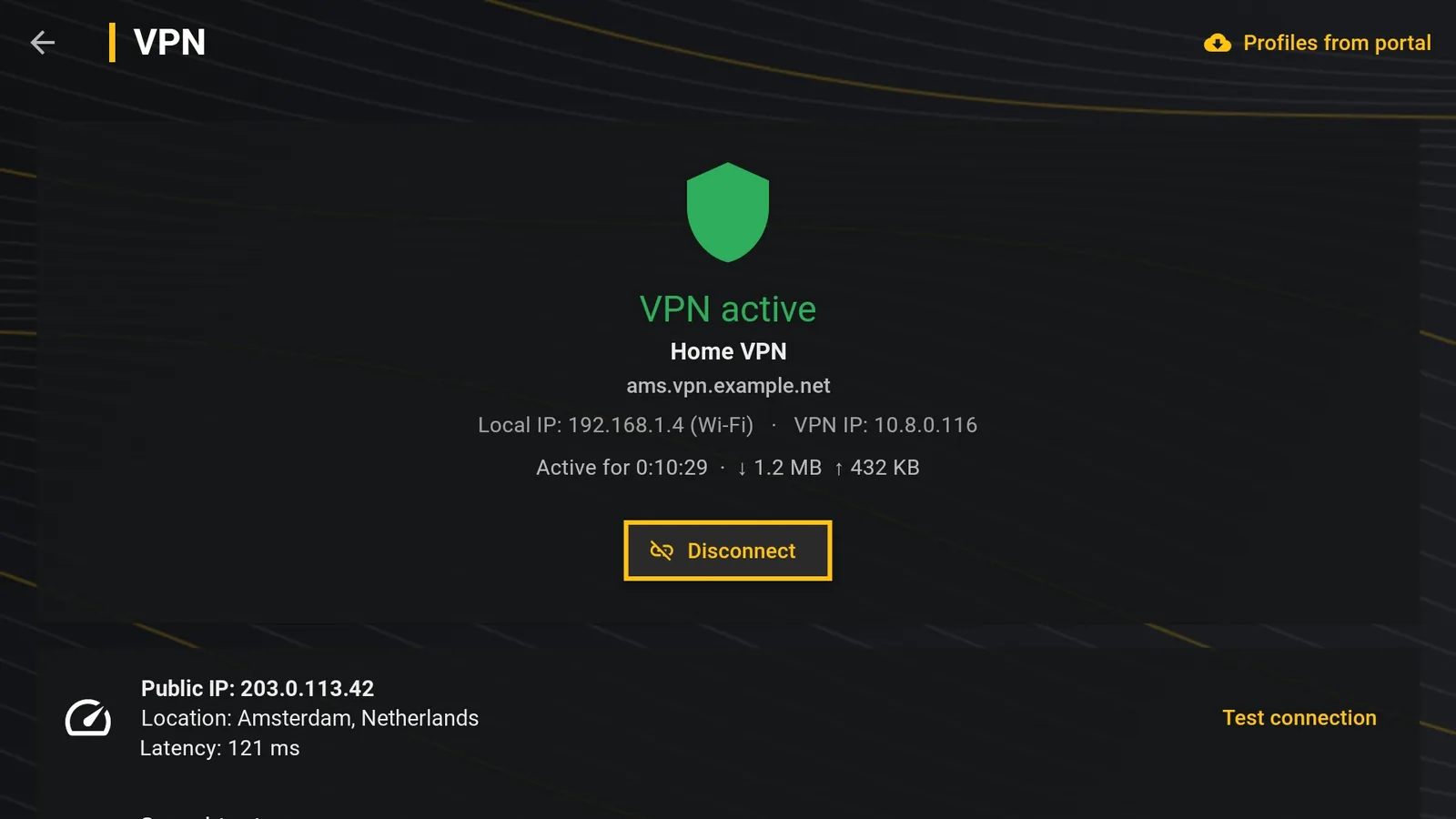
Test connection shows the address and the city you go out on the internet from. Speedtest measures your line, the VPN and the playlist server one after the other; Ping shows the response times live.
During playback, the info panel shows whether the VPN is on and how fast the stream is arriving.
If the video stutters with the VPN
- Choose a server close to you: the farther it is, the slower it gets.
- Prefer WireGuard: on Fire TV it is usually lighter than OpenVPN.
- Run Speedtest: if the VPN is much slower than the line, try another server of your VPN provider.