
What is Xtream Codes and how to use it
Xtream Codes is a common way for TV providers to give access to their service: instead of a single link you get a server address, a username and a password. With these, a player like DajeTV loads channels, movies, series and the TV guide.
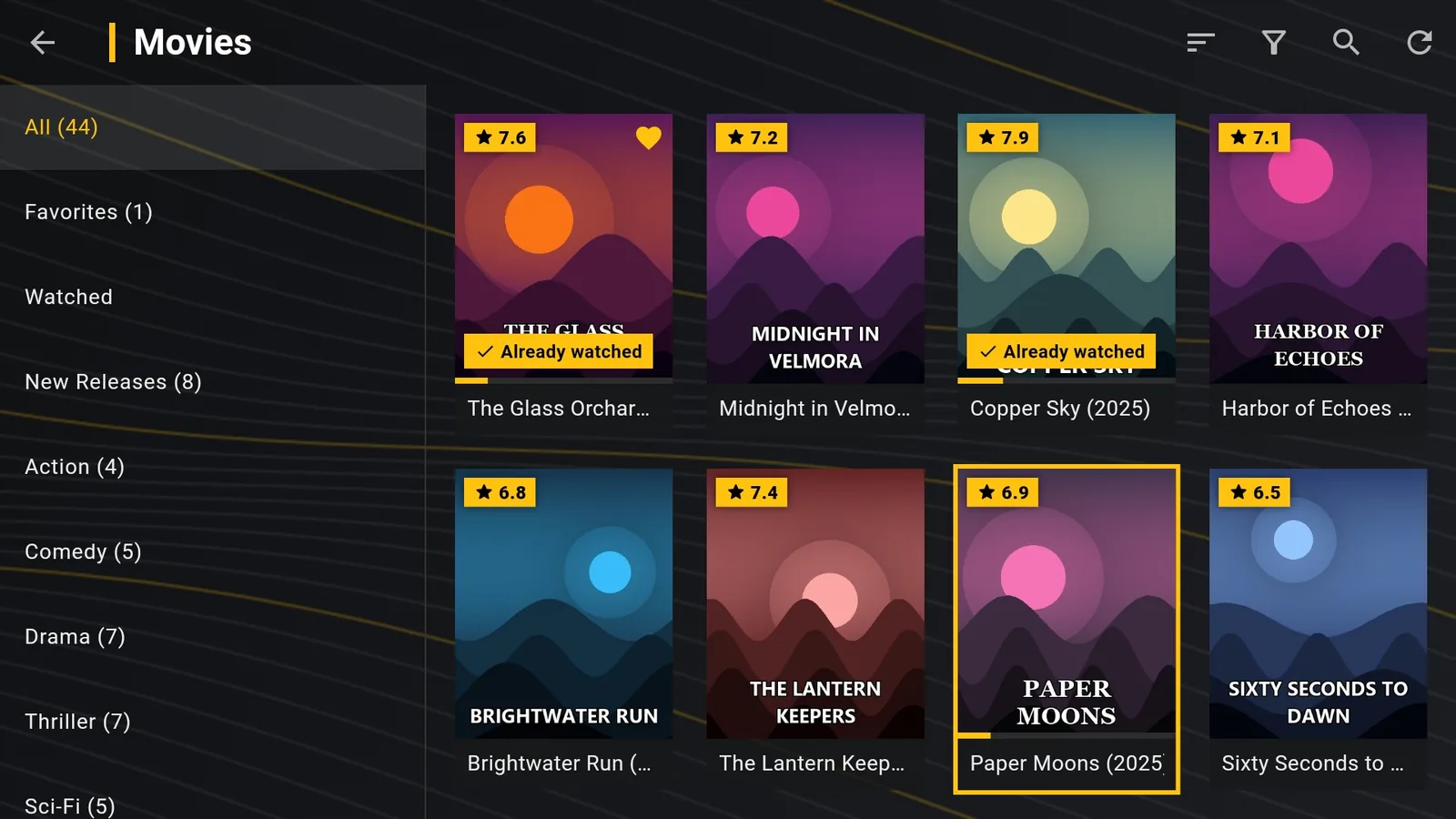
Xtream Codes or M3U link?
If your provider gives you both, choose Xtream Codes. Compared with an M3U link it gives you:
- categories for live TV, movies and series, already organised;
- movie and series details, with seasons and episodes;
- the TV guide loaded automatically, without a separate link;
- catch-up (replay) on the channels that support it;
- the expiry date of your subscription, shown under the playlist.
Log in on DajeTV
- On the home screen open Playlists › Add playlist.
- At the top choose Xtream Codes.
- In Server type the address with http:// or https:// and the port, if there is one. For example: http://tv.example.com:8080
- Type the Username and Password exactly as you received them: upper and lower case count.
- Choose Verify and save.
Tip: Under the playlist DajeTV shows “Xtream subscription until…” with the expiry date given by your provider.
You only have an M3U link?
Many M3U links are Xtream Codes accounts in disguise. If your link looks like http://tv.example.com:8080/get.php?username=NAME&password=PASS&type=m3u_plus, then:
Server is the part before /get.php (http://tv.example.com:8080), Username is the value after username= and Password the value after password=.
Common problems
- Wrong credentials: check upper and lower case and that there are no spaces at the end.
- Server unreachable: the port is often missing (:8080, :80, :25461…). Copy the address exactly as your provider wrote it.
- The subscription has expired: the provider's server refuses the login. Contact your provider.
- Too many connections: many providers allow one device at a time. Close the playlist on the other device.