
How to install an IPTV player on Fire TV Stick
DajeTV is not in the Amazon Appstore yet, so on Fire TV you install it with Downloader, a free app from the Appstore. It takes about five minutes and you only need the remote.
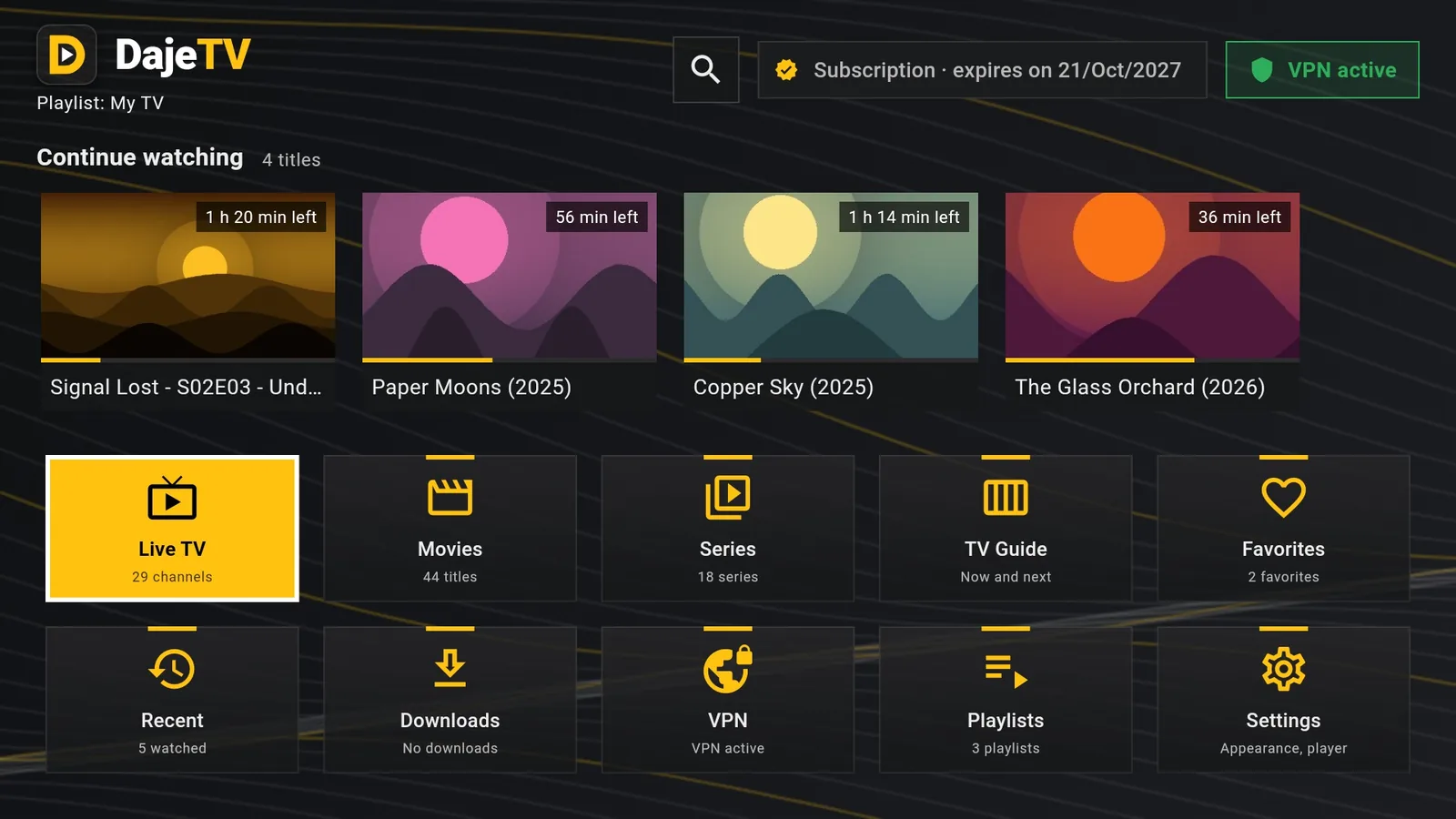
1. Install Downloader
Downloader is a free app that downloads files from an address you type. It is in the Amazon Appstore.
- From the Fire TV home screen open Find (the magnifying glass) and search for “Downloader”.
- Choose the orange Downloader app and press Get or Download.
- Do not open it yet: first you allow it to install apps.
2. Allow apps from Downloader
- Go to Settings › My Fire TV.
- If you see Developer options, go to the next step. If you don't, open About and press OK on your device name (for example “Fire TV Stick 4K”) seven times, until a message says you are a developer. Go back.
- Open Developer options › Install unknown apps and turn Downloader on.
Tip: On older Fire TV models the option is called “Apps from Unknown Sources”: turn it on.
3. Download and install DajeTV
- Open Downloader and allow access to files if it asks.
- In the address box type dajetv.com/apk and press Go.
- When the download finishes, choose Install, then Open.
- Downloader offers to delete the installer file: choose Delete to free up space. DajeTV stays installed.
4. First start
At the first start DajeTV shows the terms and the privacy policy: read them and choose Accept. The 30-day trial starts right away, with every feature unlocked and no payment details.
Then add your playlist: an M3U link or an Xtream Codes account from your TV provider. You find it in Playlists › Add playlist.
Tip: You will find DajeTV in Your Apps & Channels. To keep it on the home row, highlight it, press the ☰ button on the remote and choose Move.
Android TV, Google TV and phones
On an Android TV or Google TV box you can do the same: install Downloader from Google Play, allow it to install unknown apps (Settings › Apps › Security & restrictions › Unknown sources) and type dajetv.com/apk.
On an Android phone or tablet open dajetv.com in the browser, tap Download and allow installs from the browser when asked.