
TV guide (EPG) not showing on IPTV: how to fix
The TV guide, or EPG, is a separate list of programmes that the player matches with your channels. When it is empty or wrong, the cause is almost always the guide source, not the channels. Here is how to find it and fix it.
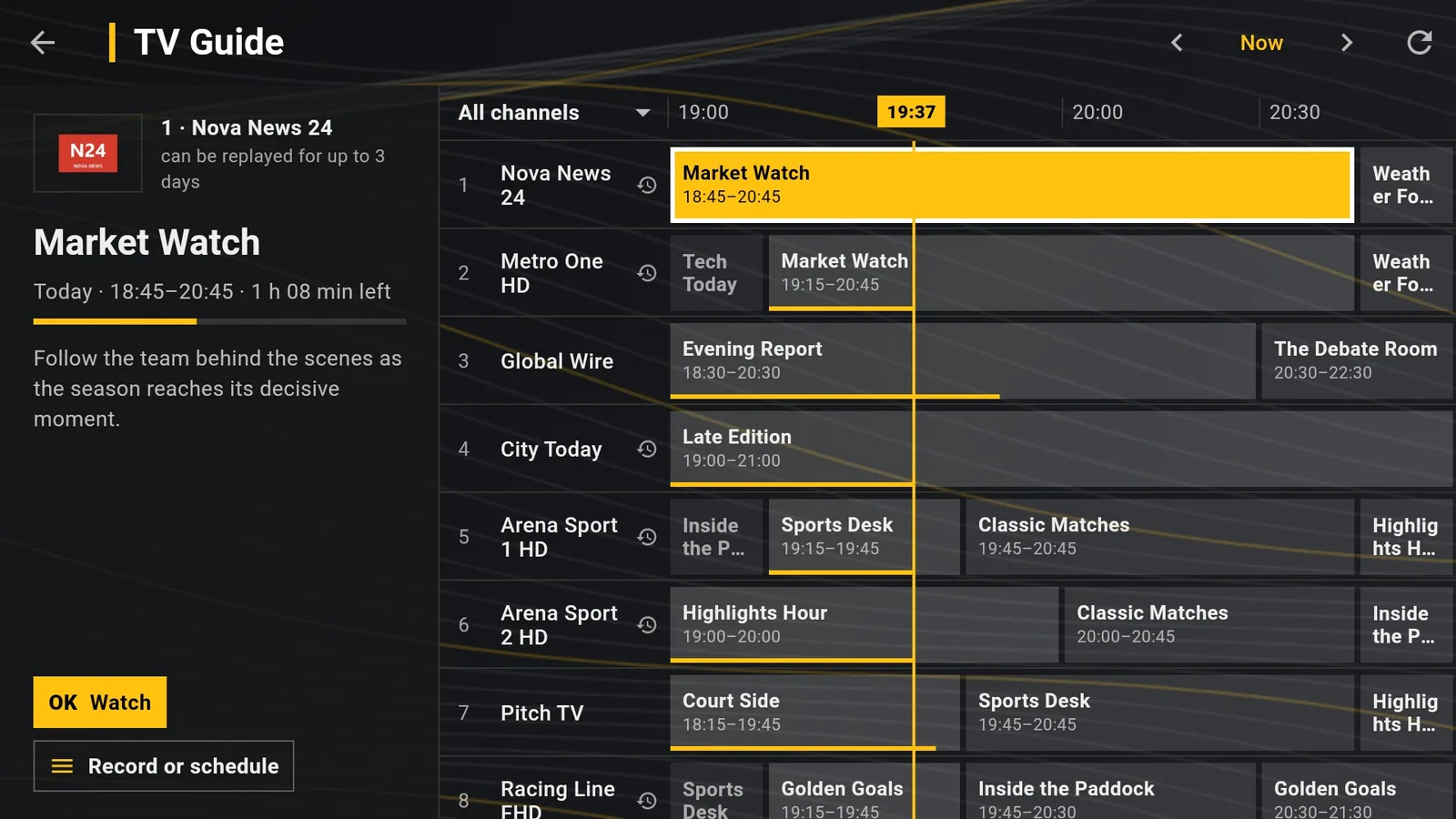
Where the guide comes from
With an Xtream Codes account DajeTV downloads the guide from your provider automatically.
With an M3U link the guide comes from the link written inside the playlist or from the TV guide / EPG field of the playlist. If neither is there, the guide is empty.
Check the guide status
- Open Settings › TV Guide.
- Read the status: “Guide loaded: N channels” means it works; “No guide for this playlist” means there is no source; “Guide unavailable” shows the error.
- To force a new download, refresh the playlist from Playlists › ⋮ › Refresh.
Add a guide link
- Ask your provider for the XMLTV link (it ends in .xml or .xml.gz).
- Open Playlists, highlight the playlist, press ⋮ › Edit.
- Type the link in TV guide / EPG and choose Save.
Tip: In Settings › TV Guide › Extra external guides you can add more XMLTV guides with Add an address. They fill in the channels your provider's guide does not cover.
Some channels say “No guide for this channel”
The guide exists but does not contain those channels, or uses a different identifier for them. Ask your provider, or add an extra external guide that covers them. Different versions of the same channel (SD, HD, FHD) may have the guide on one only.
Programmes shifted by one or more hours
Some guides are published in another time zone. In Settings › TV Guide › Time offset choose how many hours to move the programmes until they match what is on air.
The guide ends too early
Providers often publish only a day or two ahead. DajeTV downloads the guide again when it is old or when many channels have no more programmes, so it fills in by itself during the day.