
How to install IPTV player for Fire TV Stick
DajeTV never dey Amazon Appstore yet, so for Fire TV you go install am with Downloader, one free app wey dey Appstore. E go take like five minutes and na only remote you need.
1. Install Downloader
Downloader na free app wey dey download file from di address wey you type. E dey Amazon Appstore.
- From di Fire TV home screen, open Find (di magnifying glass) and search “Downloader”.
- Choose di orange Downloader app and press Get or Download.
- No open am yet: first, allow am make e fit install apps.
2. Allow Downloader make e install apps
- Go Settings › My Fire TV.
- If you see Developer options, go di next step. If you no see am, open About and press OK seven times for di device name (like “Fire TV Stick 4K”) until message show say you don be developer. Go back.
- Open Developer options › Install unknown apps and switch Downloader on.
Tip: For old Fire TV, di option name na “Apps from Unknown Sources”: switch am on.
3. Download and install DajeTV
- Open Downloader and allow am to use files if e ask.
- For di address box type dajetv.com/apk and press Go.
- When di download finish, choose Install, then Open.
- Downloader go ask if you wan delete di install file: choose Delete make space free. DajeTV go still dey installed.
4. First time you open am
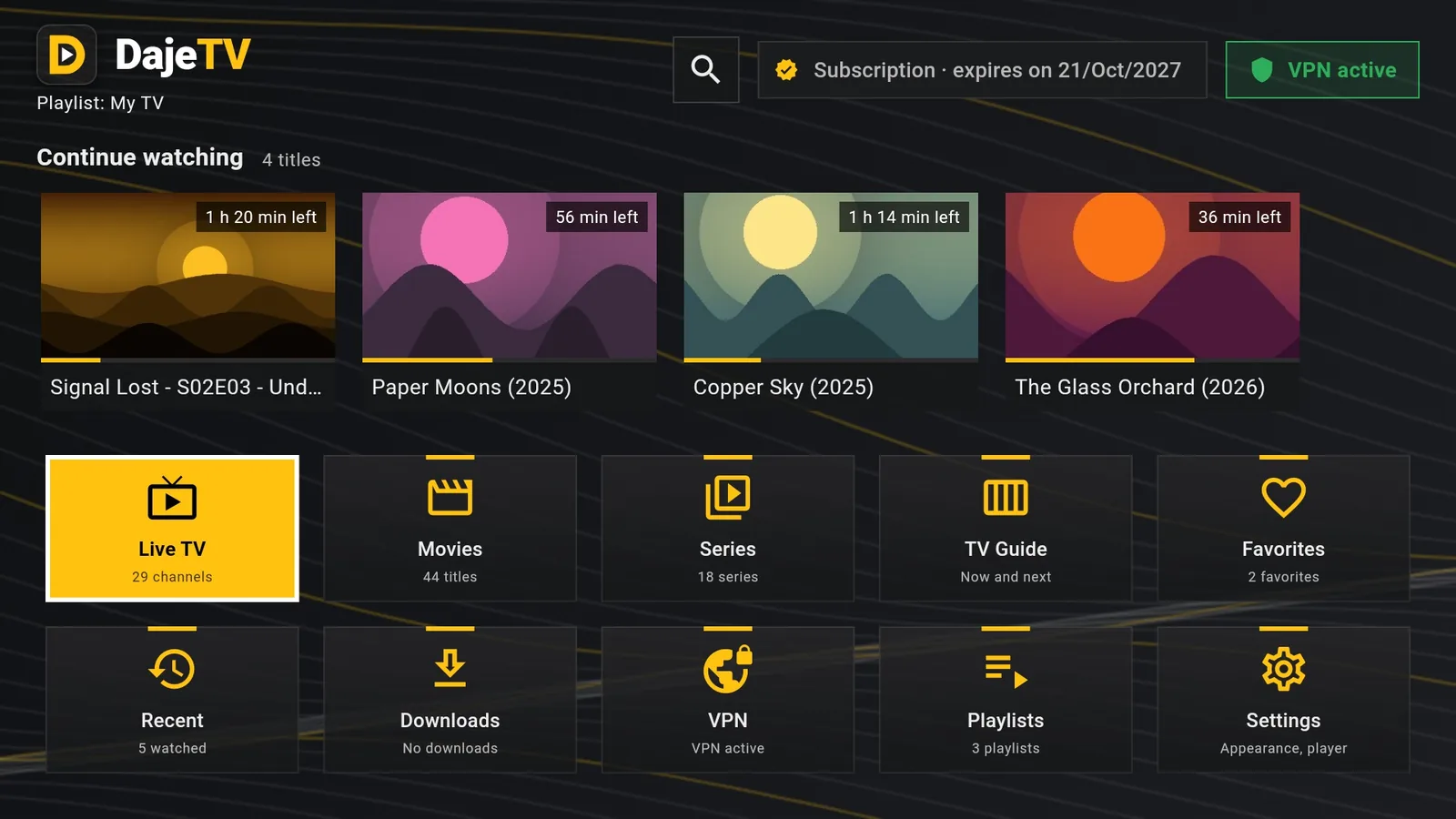
Di first time, DajeTV go show di terms and privacy policy: read dem and choose I accept. Di 30-day trial go start sharp sharp, every feature open, no payment details.
Then add your playlist: M3U link or Xtream Codes account from your TV provider. You go find am for Playlists › Add playlist.
Tip: You go see DajeTV for Your Apps & Channels. To keep am for di main row, select am, press di ☰ button for remote and choose Move.
Android TV, Google TV and phones
For Android TV or Google TV box na di same thing: install Downloader from Google Play, allow am to install unknown apps (Settings › Apps › Security & restrictions › Unknown sources) and type dajetv.com/apk.
For Android phone or tablet, open dajetv.com for browser, tap Download and allow install from browser when e ask.