
Wetin be Xtream Codes and how to use am
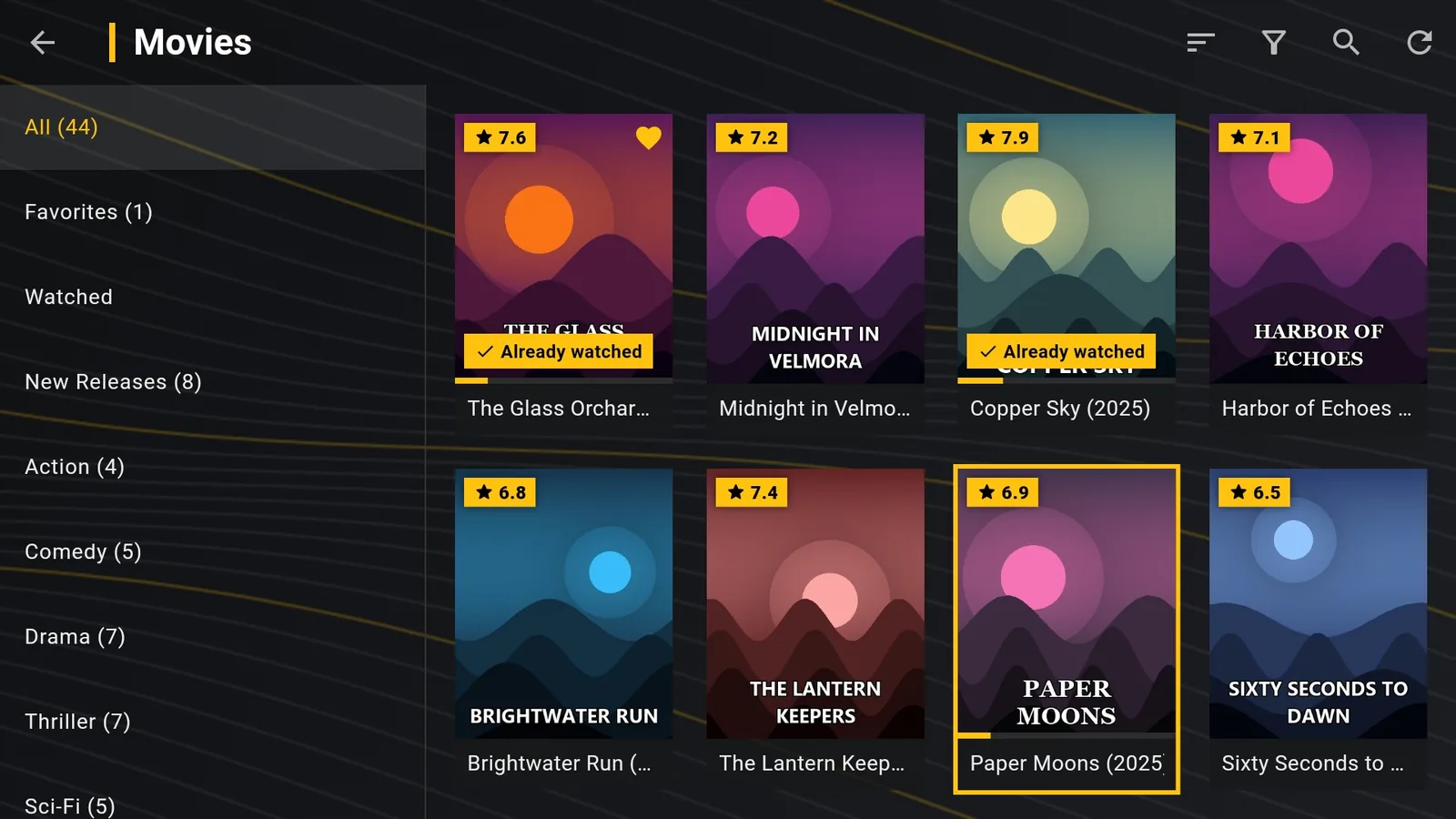
Xtream Codes na one common way wey TV providers dey take give access to their service: instead of one link, you go get server address, username and password. With dem, player like DajeTV go load channels, movies, series and TV guide.
Xtream Codes or M3U link?
If your provider give you both, choose Xtream Codes. Compared to M3U link, you go get:
- categories for live TV, movies and series wey don already arrange;
- movie and series details, with seasons and episodes;
- TV guide wey go load by itself, no need separate link;
- catch-up (watch programme again) for channels wey get am;
- di date wey your subscription go expire, under di playlist.
Login for DajeTV
- For home screen open Playlists › Add playlist.
- For top choose Xtream Codes.
- For Server type di address with http:// or https:// and di port if e get. Like: http://tv.example.com:8080
- Type Username and Password exactly as dem give you: big and small letters matter.
- Choose Check am and save.
Tip: Under di playlist DajeTV go show “Xtream subscription go reach…” with di date wey your provider give.
Na only M3U link you get?
Plenty M3U links na Xtream Codes account wey hide. If your link be like this: http://tv.example.com:8080/get.php?username=NAME&password=PASS&type=m3u_plus, then:
Server na di part before /get.php (http://tv.example.com:8080), Username na di value after username= and Password na di value after password=.
Common wahala
- Wrong details: check big and small letters and make sure say space no dey for di end.
- Server no dey reach: many times di port no dey (:8080, :80, :25461…). Copy di address exactly as your provider write am.
- Subscription don expire: di provider server go refuse di login. Contact your provider.
- Too many connections: many providers dey allow only one device at a time. Close di playlist for di other device.